1
5
2
100%
Timesheets in action
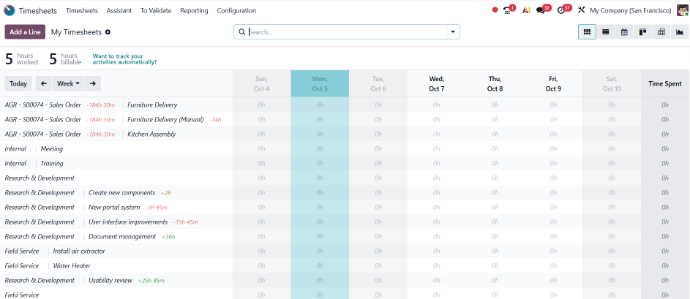
Your week in a grid
Hours by task and day, entered where work happens.
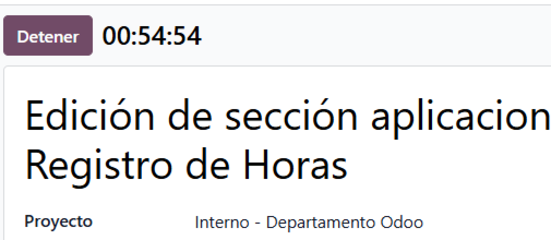
Set it up and let it run
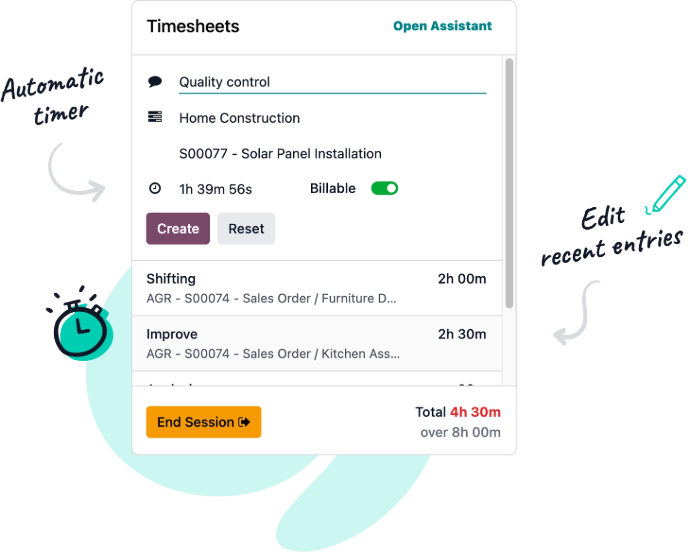
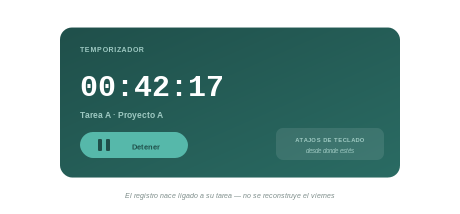
An on-the-fly timer with keyboard shortcuts for starting and stopping.
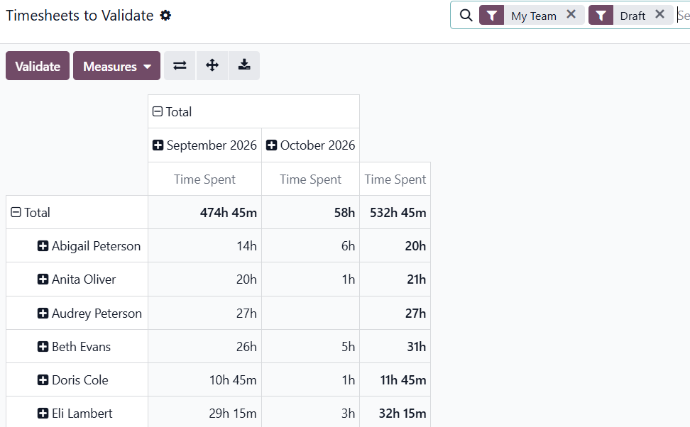
Approvals without hassle
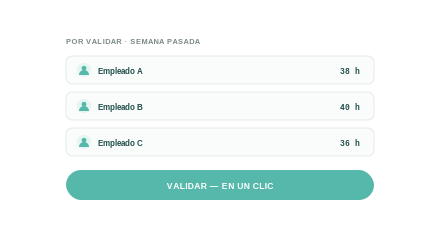
Pending team entries approved in one click.
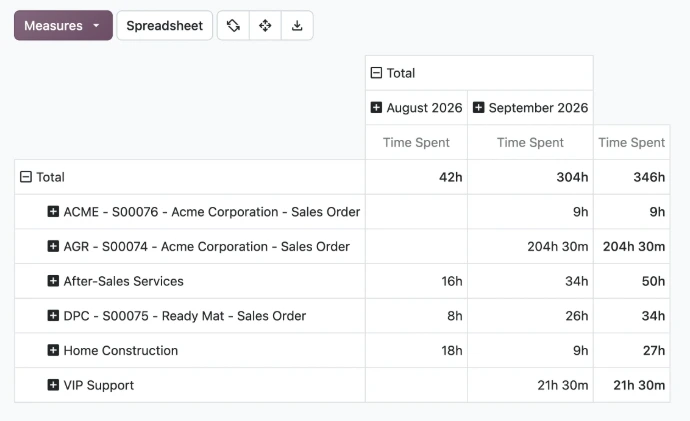
From registration to invoice
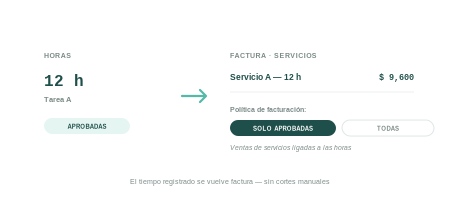
Service sales linked to time entries — billed under your policy.
Time you've already worked, finally recorded
On-the-fly timer with keyboard shortcuts
Entries linked to a project, task or sales order
Validate records with one click
Reminders for those responsible for entering or validating records
Team overtime, tracked
Service sales linked to tracked hours
Everything you need, already included...
Time is recorded
as it happens
Keyboard shortcuts to start and stop
See who is working on what instantly
The team enters the data,
validation takes one click
Validate in one click
Role-based approval permissions
Reminders for people who must enter or approve timesheets
The hours logged
turn into invoices
WHO IT'S FOR
If nobody remembers where the week went by Friday, this is for you.
Hours by person, project, and task — with overtime visible.
From time entries to invoices without manual cutoffs or intermediate spreadsheets.
FREQUENTLY ASKED QUESTIONS
What we get asked most before getting started
01 How are working hours entered?
02 Who approves the entries?
03 What if someone doesn't fill in their timesheet?
04 How do I invoice for time?
05 Can I see overtime hours?


